
ezyLiv+ Camera

Quick Installation Guide

EZ-M32T

Thank you for choosing CP Plus ezyLiv+ camera.

Get Started using your new devices by downloading ezyLiv+ app, one convenient app that manages everything straight from your smart phone. Easily connect to 4G/5G SIM network and control multiple devices from the touch of your fingertips
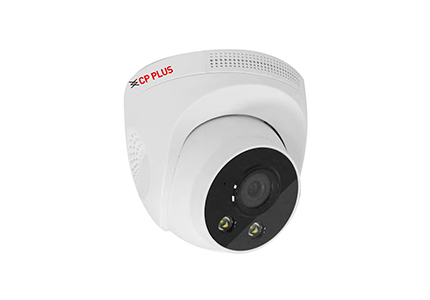
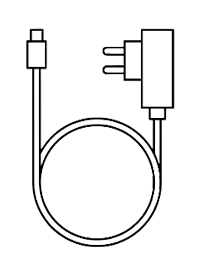
What's in the Box

  • ezyLiv+ 4G Camera

  • Power Adapter

  • Screw

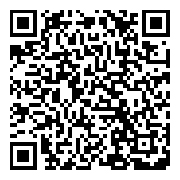
  • Scan QR Code to Download Quick Installation Guide

Get Ready

  • Make sure 4G/5G SIM has valid Data Pack.
  • Make sure your mobile device is running iOS 12 of higher or Android 10 or higher.
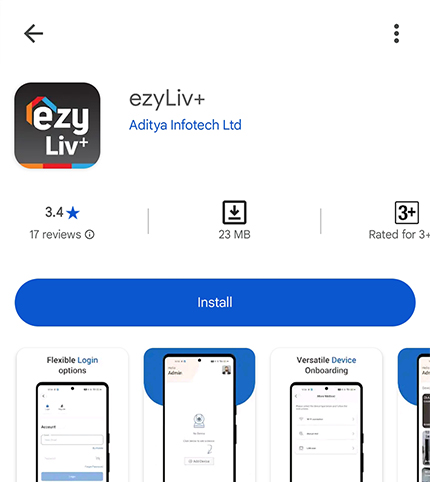
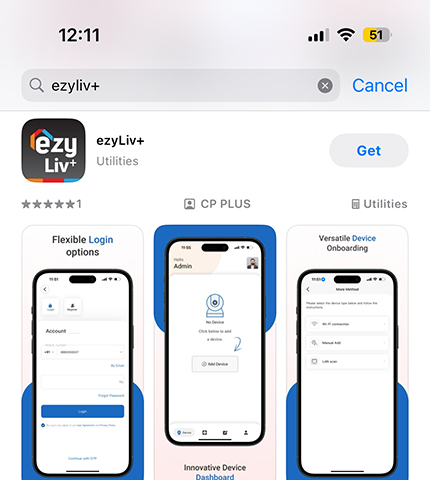
  1. Download the ezyLiv+ app from App Store or Google Play.

    • Scan QR Code to Download
      Mobile App

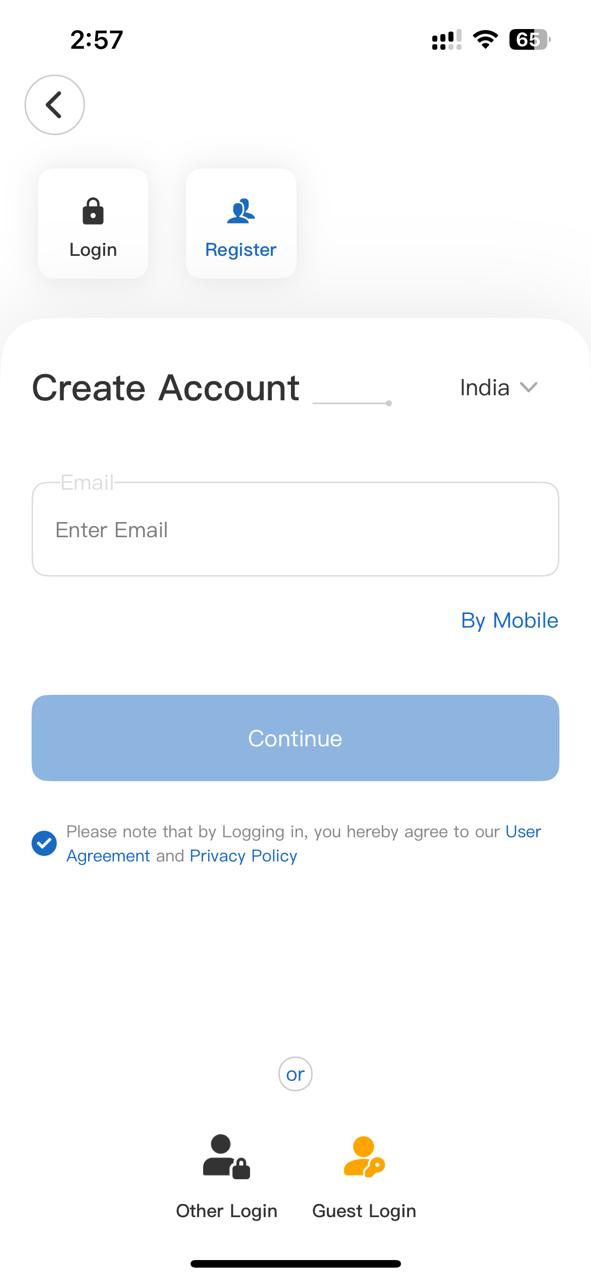
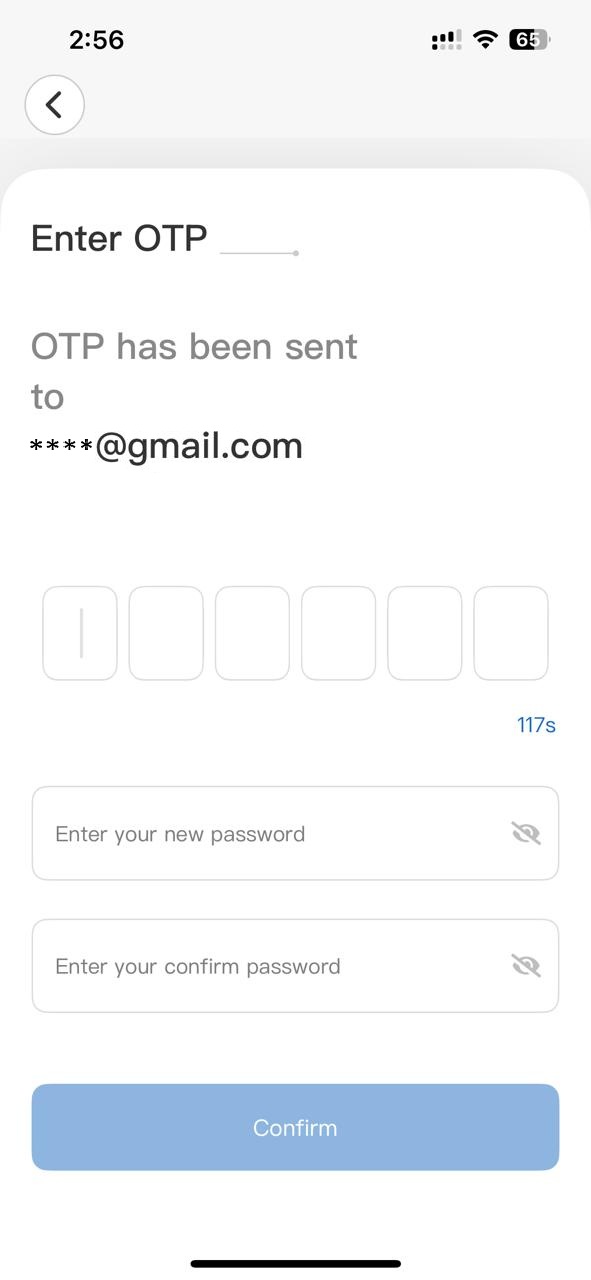
  2. Register your account on ezyLiv+ application.

    • STEP 1

      Select the country.

      Enter the email address.

    • STEP 2

      Enter the verification code
      and create a password.

  3. Plug in

    How to Insert 4G/5G SIM card in my camera?

    • Uncover the rubber protection on the bottom of camera. Locate SIM Slot with marking to insert the SIM card.
    • Optional :

    • Insert Micro SD card.
    • Reset Button, Press the reset button for 15 seconds until you hear the beep.
  4. Add Camera

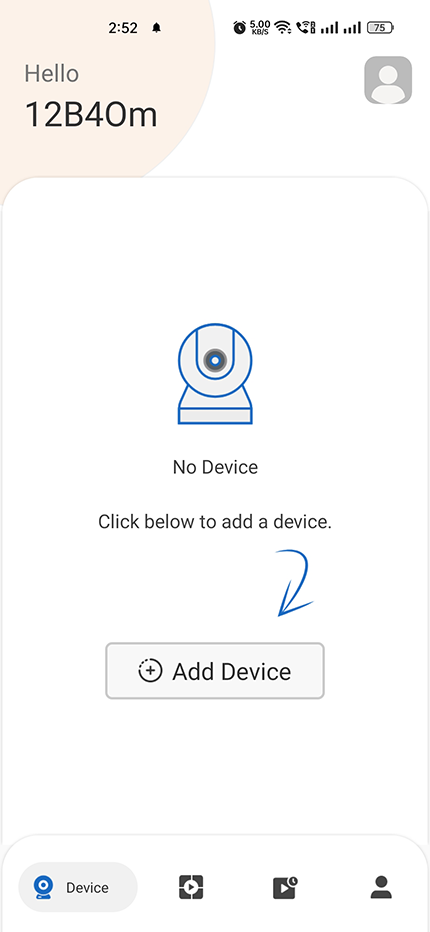
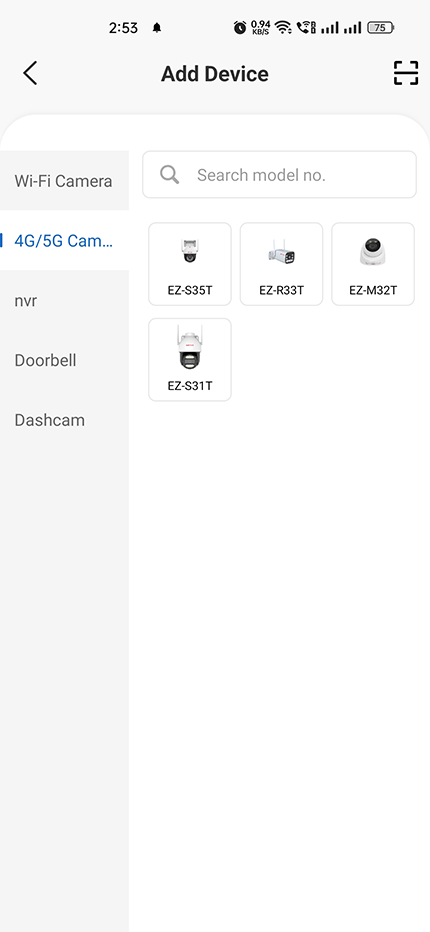
    • Open ezyLiv+ app, click “+” on the top right corner of the "Home" page, then select "Specific Device type to add’’.
    • (Insert 4G/5G SIM card in camera then Power ON the camera and wait for the camera to give audio prompt ''4G connection successfull".)
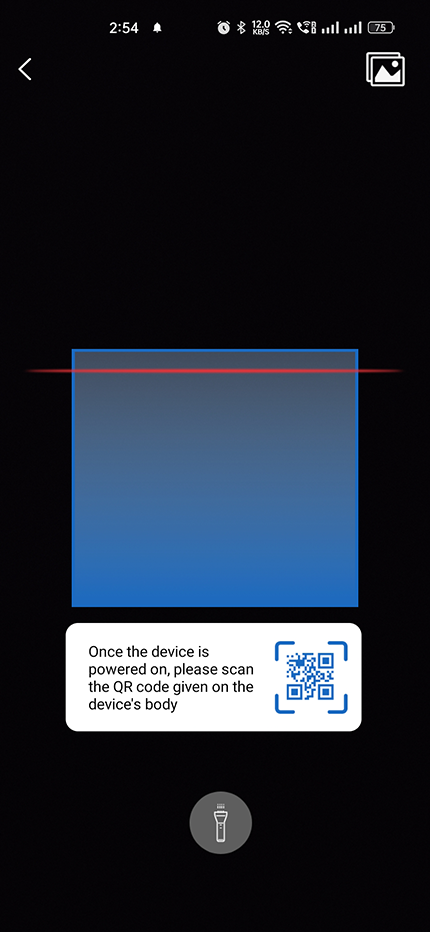
    • Scan the QR Code on the Camera Lable sticker.
    1. Add Camera

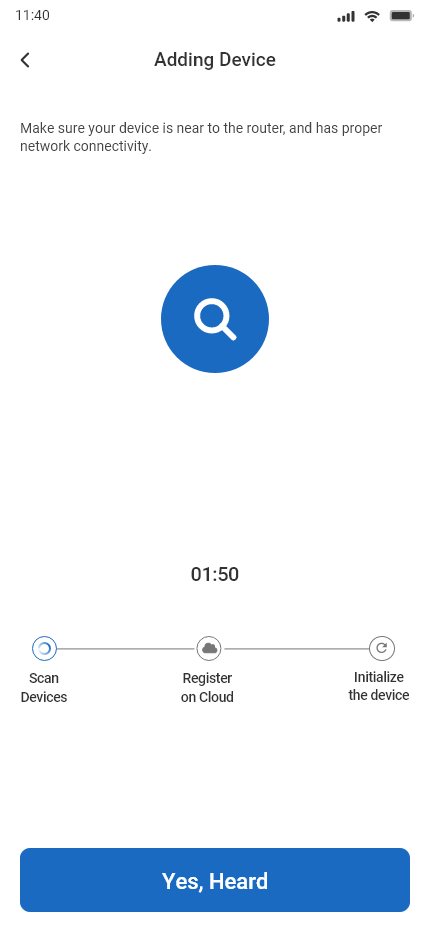
      • When the indicator light on the device turn to steady blue light, the network configuration is completed.
      • Please refer to the specific App interface if there are any difference.

Frequently Asked Questions

  1. Can I share camera with family and friends?

    Yes, you can share your camera with family and friends who will have access to view the camera.

  2. Can I access 4G Camera online without SIM card?

    Yes, You need to connect 4G camera with LAN cable to your Router to have intenet access then only you will be able to access the 4G camera online.

  3. Why 4G camera appears offline or unreachable.

    Make sure 4G cameras is installed in 4G network range. Used 4G/5G SIM has valid Data Pack.

  4. How many cameras can I control?

    ezyLiv+ app can control unlimited number of cameras in unlimited number of locations. Your router may have a limit of how many cameras can be connected to one router.

Voice control work with Google Assistant

Technical Specifications

  • Resolution:
    EZ-M32T= 2304x1296@15fps, H.265 encoding
  • Field of view:
    EZ-M32T= 86.2° (H), 46.1° (V), 102.6° (D)
  • Audio Internal Speaker and Microphone.Make sure 4G/5G SIM has valid Data Pack.
  • Storage: supports up to 256GB Micro SD card (not Included)