Thank you for choosing CP Plus Dashcam
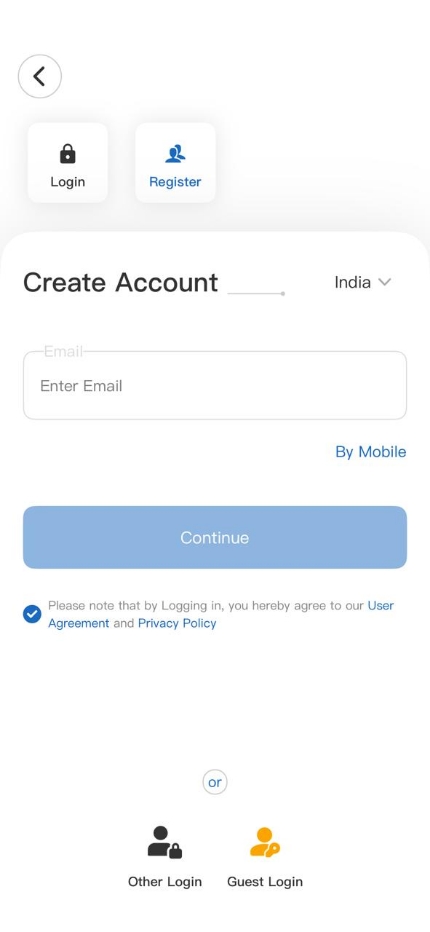
Get Started using your new devices by downloading ezyLiv+ app, one convenient app that manages everything
straight from your smart phone. Easily connect to 4G/5G SIM network and control multiple devices from the touch
of your fingertips.
Note:
- Please read this manual carefully before using the product.
-
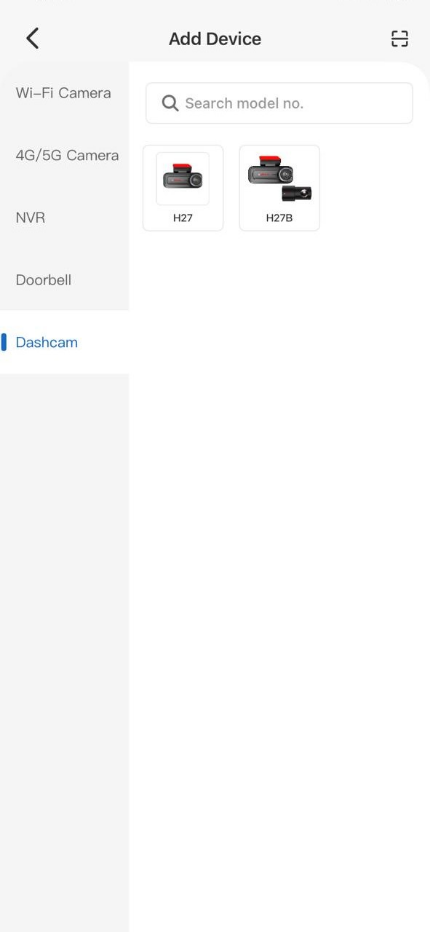
The CP-H27 and CP-H27B are essentially the same device. The key difference is that the CP-H27
includes only a front camera, while the CP-H27B is a dual-channel device with both front and rear-cameras.
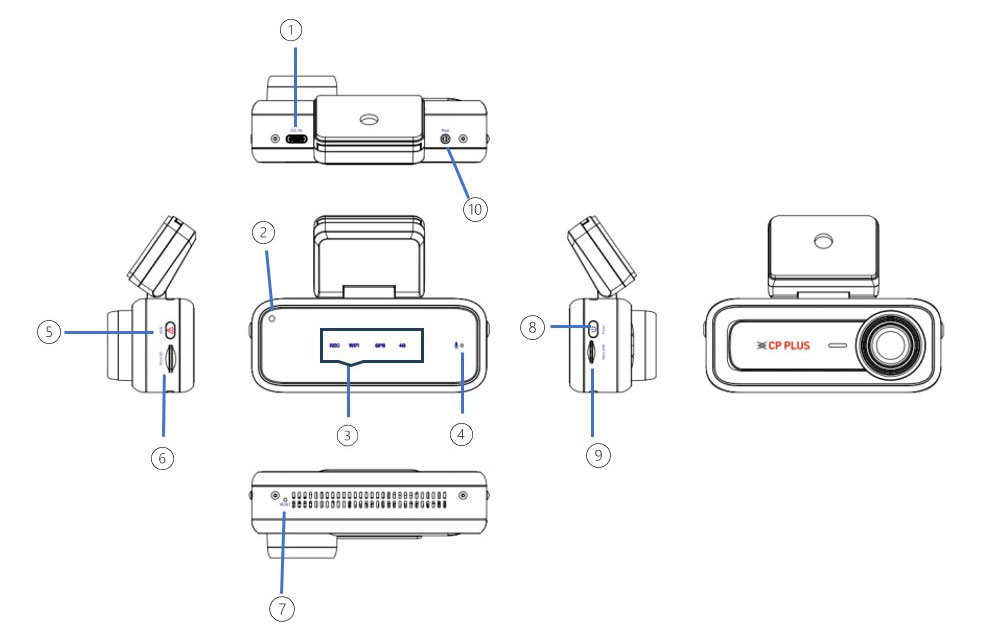
Overview of the Dashcam
The Dashcam CP-H27/B is a Full HD resolution dashcam system designed to capture high-quality real-time video and audio while driving. It enhances road safety, serves as valuable evidence for insurance claims, and supports law enforcement in the event of traffic incidents.
Note:
The illustrations of the product, accessories, and user interface in this manual are for reference only.
Due to product upgrades, the actual product may vary from the images shown. Please refer to the actual
product for the final standard.
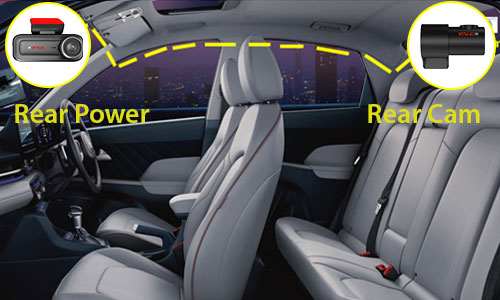
Rear Camera Installation
STEP 1
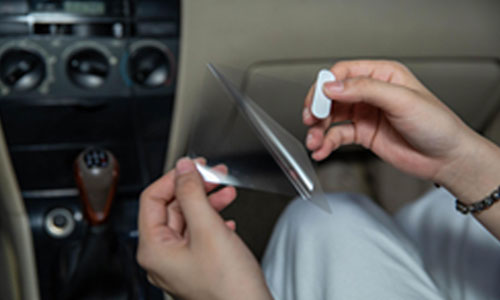
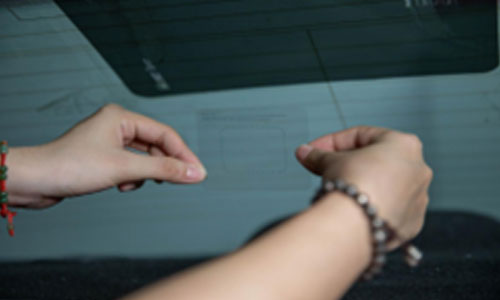
Electrostatic Sticker Installation
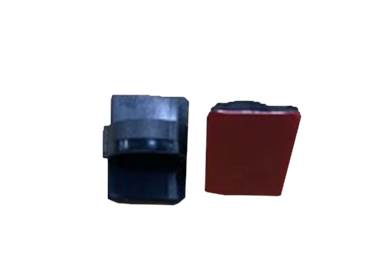
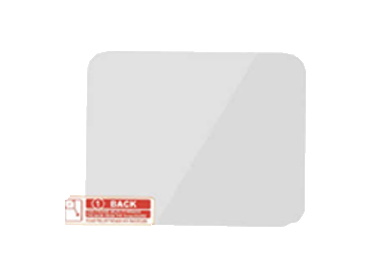
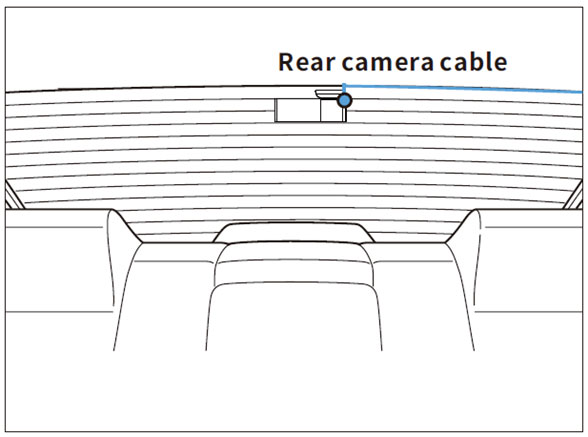
Tear off the small electrostatic sticker and attach it to the center of the rear windshield to install the rear camera.
Note:
Install the rear camera at the top of the back windshield. Before installation, remove any foreign
matter and ensure the windshield is clean and dry
STEP 2
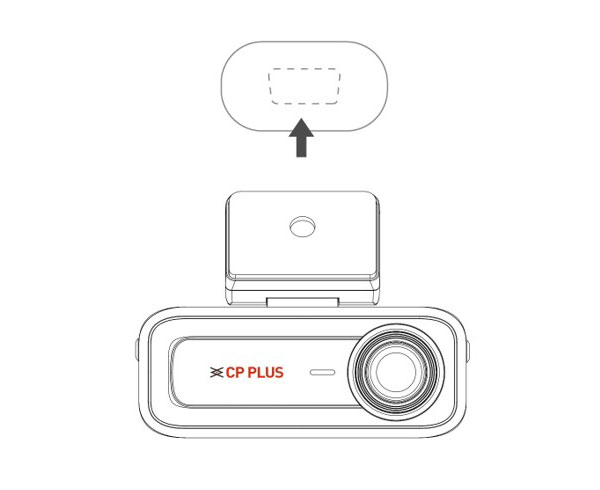
Mounting Rear Camera
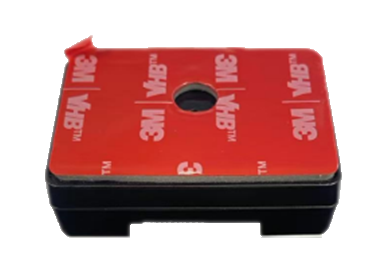
Tear off the 3M tape back cover from the rear camera, attach the camera onto the small electrostatic
sticker, and adjust the device angle as needed.
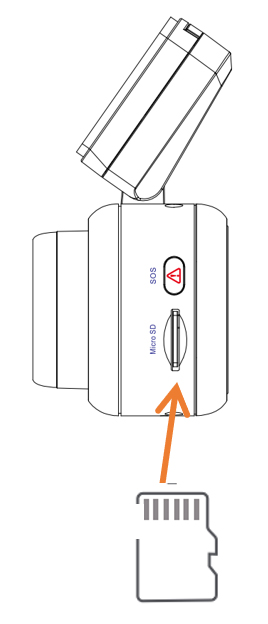
SD Card
Insert the SD card into the SD card slot connector with the contact side facing up. You will hear a “click”
sound when the SD card is properly inserted.
Note: Once a compatible SD card is inserted, the dashcam will automatically starts recording.
Power On/Off Methods
Power On
The dashcam supports the following power-on methods:
-
Cigarette Lighter (Car Charger): The dashcam automatically powers on when the vehicle starts.
- Hardwire Kit: Choose the Hardwire kit to give power to device and using it you can monitor your vehicle under parking mode.
Note: The hardwire kit must be purchased to enable parking mode. It connects
directly to the vehicle's fuse box.
Power Off
The dashcam supports the following power-off methods:
-
Press and hold the power button for 3 seconds to turn off the dashcam manually.
- When the vehicle is turned off, the dashcam will automatically power off.